


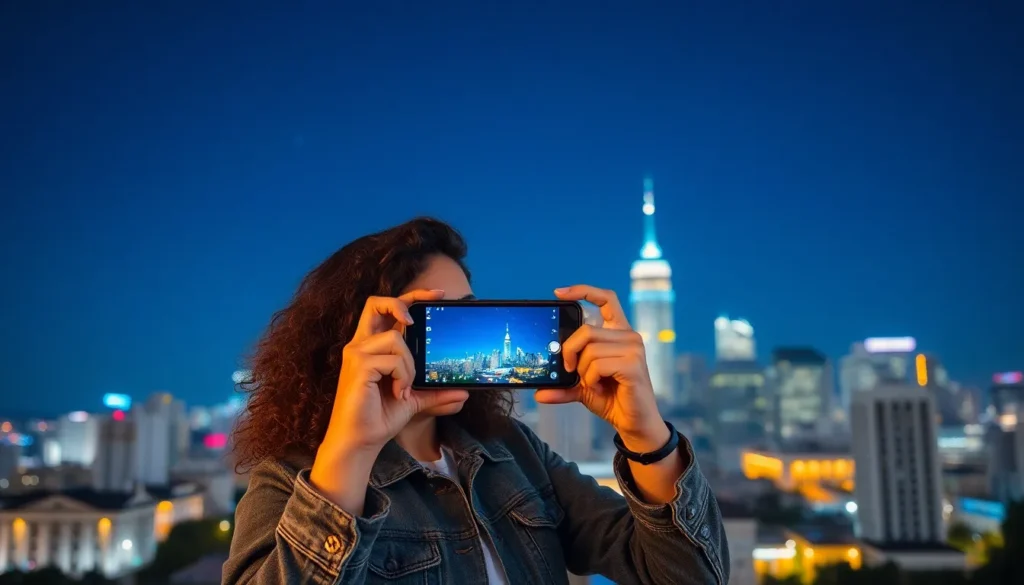
When the sun sets and the stars come out, the world transforms into a canvas of shadows and shimmering lights. Capturing this magic on an iPhone might seem tricky, but fear not! With a few simple techniques, anyone can become a nighttime photography wizard.
Understanding Night Mode on iPhone
Night Mode enhances low-light photography on iPhones, allowing users to capture stunning images at night. This feature adjusts camera settings automatically to create vibrant photos, even in darkness.
What Is Night Mode?
Night Mode is an advanced camera feature available on iPhone models starting from the iPhone 11. It engages automatically in low-light conditions, optimizing exposure time and improving image clarity. When activated, Night Mode enables users to capture details that would typically be lost in darkness.
How Night Mode Works
Night Mode operates by utilizing advanced algorithms to combine multiple images taken in quick succession. First, the camera detects low light and initiates the feature. Then, it automatically adjusts settings like shutter speed and ISO to balance light and reduce noise. Users can also adjust the exposure time up to 10 seconds for even better results.
Preparing Your iPhone for Night Photography
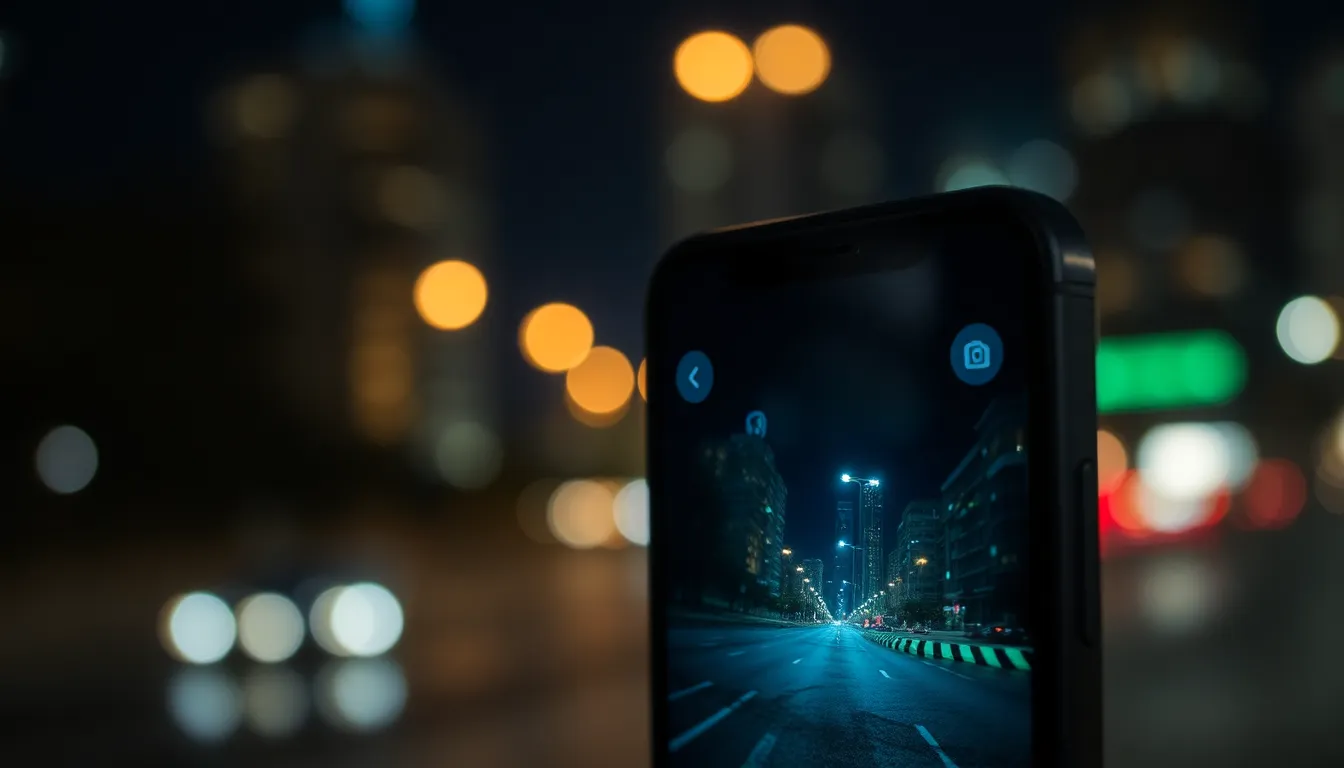
Preparations set the stage for successful night photography. Ensure you optimize your iPhone’s functionality for capturing stunning images in low light.
Ensuring Software Is Up to Date
Updating the software enhances performance during photography sessions. An updated version of iOS includes improvements and bug fixes that enhance camera features. Go to Settings, then tap General, followed by Software Update. Install available updates promptly to take advantage of the latest features for Night Mode. Maintaining current software helps prevent potential glitches during shoots.
Adjusting Camera Settings
Camera settings play a crucial role in low-light photography. Open the Camera app and swipe to Night Mode, ensuring it’s activated in darker environments. Adjust the exposure settings for optimal brightness based on the lighting conditions. Using manual controls enables photographers to set shutter speed and ISO adjustments according to individual preferences. These tweaks enhance the quality of photos in low-light scenarios.
Tips for Taking Great Night Photos
Nighttime photography requires a blend of technique and creativity. Following a few tips makes capturing stunning images at night simpler.
Choosing the Right Location
Selecting the right location significantly impacts the quality of night photos. Look for places with interesting lighting such as cityscapes. Urban environments often provide vibrant street lights, illuminated buildings, and festive decorations. Opt for areas with minimal light pollution to enhance clarity. Avoid cluttered backgrounds to maintain focus on the subject. Parks or waterfronts can produce beautiful reflections. Experimenting with various scenes helps discover unique perspectives.
Utilizing Natural Light Sources
Natural light sources can enhance night photography. Streetlights, neon signs, and moonlight can illuminate subjects creatively. Position the subject in relation to these light sources to create depth. Adjust angles to capture interesting shadows and highlights. Soft natural lights often yield flattering results, especially for portraits. Blending artificial and natural light can produce captivating images. Remember to avoid harsh light directly on the subject to prevent overexposure.
Experimenting with Exposure and Focus
Experimentation with exposure and focus optimizes the final image. Manual adjustments in Night Mode allow greater control over exposure time. Shorter exposures can freeze motion while longer exposures capture light trails. Adjust focus carefully to ensure sharp details in low-light conditions. Using the iPhone’s tap-to-focus feature can help achieve precision. Review take multiple shots to identify optimal settings and angles. Testing different combinations provides insight into personal style and preferences.
Editing Night Photos on iPhone
Enhancing night photos on an iPhone requires effective tools and techniques. Utilizing the right editing apps and mastering fundamental editing skills can transform images into stunning visuals.
Recommended Editing Apps
Popular apps include Snapseed, Lightroom, and VSCO. Snapseed offers comprehensive tools for fine-tuning exposure and color balance. Lightroom provides advanced features like curves and selective adjustments for precise editing. VSCO combines editing tools with pleasing filters suited for nighttime photography. Each app supports RAW file editing to retain high image quality. Selecting the right app depends on personal preference and desired editing style.
Basic Editing Techniques
Start by adjusting brightness to highlight details lost in darkness. Increasing contrast enhances the separation between light and shadow, adding depth to the image. Adjusting saturation improves color vibrancy, making night scenes pop. Clarity can be fine-tuned to sharpen edges without introducing noise. Finally, cropping may help focus on the main subject or improve composition. These basic techniques collectively enhance the overall impact of night photos, bringing creativity forth.
Mastering nighttime photography with an iPhone opens up a world of creative possibilities. With the right techniques and tools at their disposal, photographers can capture stunning images that showcase the beauty of the night. Utilizing Night Mode effectively and understanding how to adjust settings can significantly enhance photo quality.
Moreover, experimenting with different locations and natural light sources allows for unique compositions that stand out. Editing plays a crucial role in refining these images, making them even more striking. By embracing these strategies, anyone can elevate their nighttime photography skills and create breathtaking visuals that truly reflect their artistic vision.